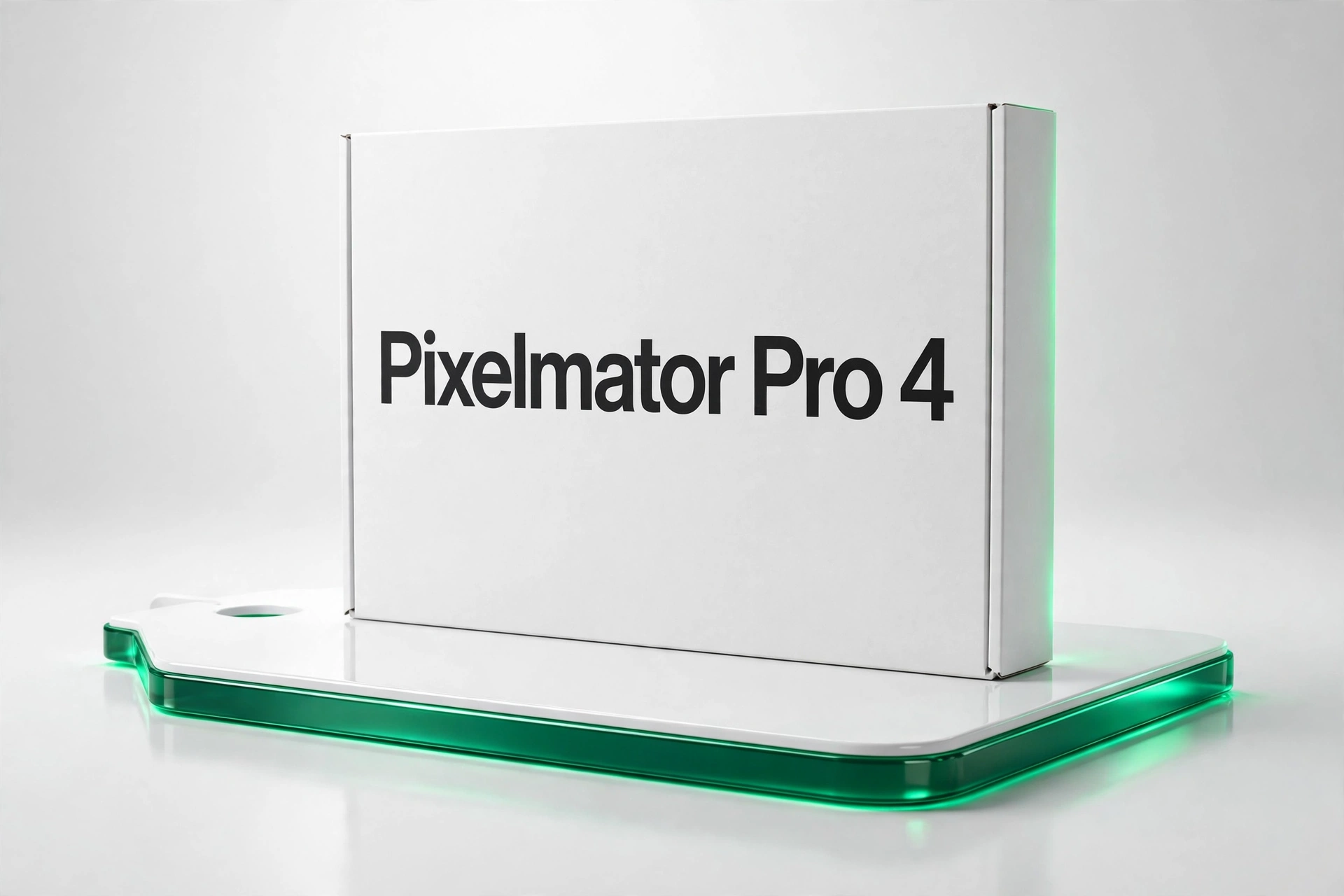
Every release needs artwork, every artist page needs graphics, and the standard tools rent themselves to you monthly, forever. Pixelmator Pro 4 is the Mac-native alternative: a professional photo editor and design app with machine learning features, sold once for $29.99. For producers and labels it covers the entire visual side of a release — cover art, social graphics, press shots — without a subscription line in the budget.
Machine Learning That Does Real Work
The ML tools are practical, not decorative. ML Super Resolution enlarges images intelligently when the only artwork you have is too small. ML Denoise rescues low-light shots — the gig photo, the studio snap — that would otherwise be unusable. ML Enhance makes smart one-click corrections to exposure and colour, and intelligent subject selection cuts out the hours of manual masking that product and portrait work used to demand. The AI retouching brushes — Repair, Clone Stamp, Lighten, Darken, Sharpen — handle cleanup at professional standard.
A Complete Editor Underneath
The workflow is fully layer-based and non-destructive, with real-time previews of every adjustment, so experiments are free. Colour tools include curves, levels, hue/saturation, colour balance and custom LUT support for grading that matches a video look or a campaign. Typography is professional-grade, with extensive font controls and text styles. Vector shapes and paths combine seamlessly with raster photo editing in one document — design a logo over a photograph without switching apps. Batch processing automates repetitive work across entire libraries, and file support covers PSD, TIFF, HEIC, JPEG, PNG, WebP, PDF and more.
Built the Apple Way
Pixelmator Pro 4 is written entirely with Apple’s native frameworks, using Metal GPU acceleration and the Neural Engine for its ML features. The practical result is speed: an interface that feels like part of macOS and performance that cross-platform ports rarely match. It runs natively on Apple Silicon M-series chips and Intel Macs, and requires macOS 13 Ventura or later.
Who It Is For
Photographers editing portraits, landscapes and product shots. Designers producing social graphics, marketing materials and web assets. Illustrators mixing vector and raster workflows. And — the audience this board cares about — artists and small labels who need release artwork, merch graphics and promo visuals at professional quality without hiring out every asset or renting software indefinitely.
The Release-Art Pipeline, Covered
Consider a typical independent release: a cover image to grade and crop at multiple sizes, a lyric-card series for socials, a press photo to retouch, a merch graphic needing vector lettering over photography. Pixelmator Pro 4 handles that entire pipeline in one document-based workflow — ML Enhance for fast photo correction, subject selection for composites, typography tools for titles, LUT support to match your video grade, and batch processing to export every platform size in one pass. PSD support means files from collaborators open without drama. For studios it covers product photography and client assets; for creators it removes the two classic bottlenecks — the designer’s diary and the subscription invoice. System requirements are simply macOS 13 Ventura or later on Apple Silicon or Intel, and the one-time license covers the machine your studio already runs on.
The Deal
One payment of $29.99, no subscription, no tiers. Set against monthly rental editors, the app pays for itself within the first couple of months and then simply keeps working. Instant delivery gets the license and download to you immediately. If your Mac is your studio, this is the visual half of the studio sorted for under thirty dollars. For a one-time outlay lower than a single month of most rental editors, the toolkit simply stays yours, project after project, with no renewal date hanging over the next release cycle.






 Download instantly from Plugboutique
 Instant Digital Delivery
 Free 2-Day returns if not work














Reviews
Clear filtersThere are no reviews yet.